
tawk.to alternatives: when free live chat stops being enough
Yevhen Kurapov, co-founder · Updated Oct 20, 2026
tawk.to's live chat is free with unlimited agents; its AI Assist isn't. Growth is $29 a month for 1,000 credits, and the default model uses 3 per reply, so about 333 replies. ChatPal includes AI on every plan: 100 replies a month free, 500 for $20. Tidio's Lyro starts at $32.50 billed yearly, Crisp at $45, Chatbase at $40.
We make ChatPal, one of the tools below, and list its limits on the same terms as everyone else's.
tawk.to gives you free live chat with no seat limit, and that's hard to beat while people on your team answer the chats. It stops being enough when chats arrive while nobody is at the desk and you want an AI to answer them. tawk.to sells that as AI Assist, priced in message credits. The four alternatives below include or sell AI answers in other ways, and we checked every price on 20 October 2026.
What tawk.to gives you free, and what costs money
Free, with no time limit:
- live chat on your website, with unlimited team members and desktop and mobile apps;
- ticketing and a hosted knowledge base;
- WhatsApp, Messenger, Telegram, email and SMS through Twilio in one inbox. WhatsApp can stay in the WhatsApp Business app on your phone at the same time.
Paid add-ons:
- Remove branding: $29 a month to drop “Powered by tawk.to”.
- AI Assist: an AI agent that answers from your website, documents, FAQs and knowledge base. Hobby is free for testing; Growth is $29 a month ($290 a year), Business $99 and Enterprise $399.
- Hired agents: trained people who answer your chats for $1 an hour.
You switch AI Assist on per property, from that property's Add-ons page.
Why people look for an alternative
Free live chat still needs someone to answer it. A chat that nobody picks up at 9 pm is a missed customer, and AI Assist's free Hobby plan is meant for testing, not for covering your evenings. Your options inside tawk.to are AI Assist or hired agents, and by tawk.to's own arithmetic, round-the-clock hired agents come to $8,736 a year.
AI Assist counts credits, not replies. Growth includes 1,000 message credits. The default Auto model uses 3 credits for each AI reply, so 1,000 credits cover about 333 replies. Other models cost more or fewer credits per reply. Extra credits are $30 per 1,000 and don't expire. That's fair pricing, but it takes a calculation to know what you'll pay.
The branding stays unless you pay for it. Removing “Powered by tawk.to” is $29 a month on top of anything else.
When to stay on tawk.to
Stay if:
- your team answers most chats live and AI is a backup for evenings;
- you need email, ticketing and SMS in the same inbox as chat;
- you'd rather have trained people than AI answering, at $1 an hour;
- 333 AI replies a month is enough, and $29 is a fair price for them.
How we chose
We read each tool's pricing page and help articles on 20 October 2026. We picked tools a tawk.to user would realistically compare: two live chat tools that sell AI as an add-on (Tidio, Crisp), one AI agent without a live chat team at its core (Chatbase), and ChatPal. We make ChatPal, so weigh what we say about it accordingly; we didn't test the other tools hands-on. The list is grouped by how each tool sells AI, not ranked.
tawk.to and four alternatives
| Tool | Best for | Price |
|---|---|---|
| tawk.to | Staying on tawk.to | Live chat free; AI Assist Growth $29 a month or $290 a year for 1,000 message credits, Business $99 for 5,000, Enterprise $399 for 20,000 |
| ChatPal | AI included, priced by replies | Free for 100 replies a month; $20 for 500, $50 for 1,500 and $120 for 4,000, billed monthly |
| Tidio | Live chat with an AI add-on | Free plan with 50 conversations a month; Starter $29 a month, or $24.17 billed yearly; Lyro AI Agent from $32.50 a month billed yearly for 50 AI conversations |
| Crisp | Live chat with an AI add-on | Free for 2 seats without AI; Mini $45 a month per workspace with $5 of AI credits, about 90 automated conversations; Essentials $95 with $25, about 450 |
| Chatbase | An AI agent without live chat at its core | No free plan; Hobby $40 a month billed monthly, or $32 billed yearly, for 700 message credits; extra credits $40 per 1,000 |
Staying on tawk.to
tawk.to
Price: Live chat free; AI Assist Growth $29 a month or $290 a year for 1,000 message credits, Business $99 for 5,000, Enterprise $399 for 20,000
Good at
- Free live chat with unlimited team members, plus desktop and mobile apps
- WhatsApp, Messenger, Telegram, email and SMS through Twilio in the same inbox as the website chat
- If you'd rather have people than AI, tawk.to's hired agents answer your chats for $1 an hour
Keep in mind
- AI Assist spends message credits, and the default Auto model uses 3 per reply, so Growth's 1,000 credits cover about 333 AI replies
- Removing the “Powered by tawk.to” branding costs $29 a month
AI included, priced by replies
ChatPal
Price: Free for 100 replies a month; $20 for 500, $50 for 1,500 and $120 for 4,000, billed monthly
Good at
- AI answers on every plan, the free one included, with no time limit and no per-message fees
- Website chat, WhatsApp, Instagram, Messenger and Telegram on every plan
- Hands a chat to your team when a customer asks for a person, and your reply goes out on the customer's own channel
- Books appointments through Calendly, Altegio or Google Calendar inside the chat
Keep in mind
- No email inbox, ticketing or SMS: it answers chats and messages
- At 100% of the month's replies, automatic replies pause until you upgrade or the month resets; your team can still reply
Live chat with an AI add-on
Tidio
Price: Free plan with 50 conversations a month; Starter $29 a month, or $24.17 billed yearly; Lyro AI Agent from $32.50 a month billed yearly for 50 AI conversations
Good at
- Live chat, Messenger, Instagram, WhatsApp and email on every plan, the free one included
- 10 seats on the free and Starter plans
Keep in mind
- The free plan's 50 Lyro conversations come once, not every month
- Two meters: Lyro counts AI conversations, and your plan counts the conversations your team handles
Crisp
Price: Free for 2 seats without AI; Mini $45 a month per workspace with $5 of AI credits, about 90 automated conversations; Essentials $95 with $25, about 450
Good at
- Priced per workspace, not per seat: Mini includes 4 seats, Essentials 10
- Crisp estimates $0.05 to $0.10 for a conversation its AI, Hugo, handles from start to finish
Keep in mind
- No AI on the free plan; WhatsApp and Instagram DMs come with the Essentials omnichannel inbox, $95 a month
- When the credits run out, Hugo stops and new chats go to your team, unless you turn on pay-as-you-go
An AI agent without live chat at its core
Chatbase
Price: No free plan; Hobby $40 a month billed monthly, or $32 billed yearly, for 700 message credits; extra credits $40 per 1,000
Good at
- WhatsApp, Messenger, Instagram, Slack and a WordPress plugin on every plan
- You choose the AI model; the most economical ones use 1 credit per reply
Keep in mind
- Stronger models use 2 to 5 credits per reply, so 700 credits can mean far fewer than 700 replies
- Removing “Powered by Chatbase” is a paid add-on
What 150 AI conversations a month cost
One example business: about 150 chats a month that the AI should answer by itself, on the website. Where a tool counts replies or credits, we assumed three AI replies per conversation, so 450 replies. That's our assumption, not an average: count a week of your own chats and use your number.
| Tool | You pay for | Price for this month |
|---|---|---|
| tawk.to AI Assist | Message credits | $59: Growth $29 plus 1,000 extra credits for $30 (1,350 credits on Auto) |
| ChatPal | AI replies | $20 (500 replies) |
| Crisp | AI credits | About $48 to $51: Mini $45 covers about 90 conversations, the other 60 on pay-as-you-go |
| Chatbase | Message credits | $40 (Hobby) on a 1-credit model; $80 with one $40 credit top-up on a 2-credit model |
Our arithmetic on each tool's published monthly prices in US dollars, on 20 October 2026. Crisp's figure uses its own estimate of $0.05 to $0.10 per conversation. tawk.to's extra 1,000 credits leave 650 unused, and those carry over to next month.
Tidio meters differently: Lyro is sold in steps of AI conversations, from 50 for $32.50 a month billed yearly, with larger steps up to 1,000 priced on its pricing page. If your conversations are short, the ChatPal figure holds; if they run long, 450 replies can become 600 and you move to the $50 plan.
What each free plan includes
- tawk.to: live chat, channels and agents free for good. AI Assist has a free Hobby plan for testing; its help center doesn't list that plan's credits.
- ChatPal: 100 AI replies every month, on every channel, with no time limit.
- Tidio: 50 conversations a month for your team, and 50 Lyro AI conversations once.
- Crisp: 2 seats of live chat, no AI.
- Chatbase: no free plan, a 7-day trial.
What to test before you switch
An AI that answers on its own is only worth it if its answers are right. Before you move, ask each candidate the same four things on your own content:
- A question your site answers in one place. Opening hours, a delivery area, a cancellation fee. The facts in the answer should match your page exactly.
- A question your site doesn't answer. A good assistant says it doesn't know and offers a person. A poor one guesses.
- “Can I talk to someone?” Check what the customer sees, who on your team gets told, and where you reply from.
- The channel your customers actually use. If half your messages come from Instagram or WhatsApp, test there, not only in the website chat.
Then look at what happens at the limit. tawk.to lets usage run into a negative credit balance you settle later. Crisp hands chats to your team when credits run out, unless pay-as-you-go is on. Tidio's Lyro pauses at your limit. ChatPal alerts you at 80% and pauses automatic replies at 100% of your monthly replies.
tawk.to or ChatPal
Choose tawk.to if live chat with your team is the main thing and you need email and tickets beside it.
Choose ChatPal if:
- you want the AI to answer by default, on every plan, and your team to step in only when needed;
- your customers write on Instagram and Messenger as well as WhatsApp and your website;
- you take bookings and want the assistant to book them in the chat through Calendly, Altegio or Google Calendar;
- you'd rather read the price per reply than work out credits.
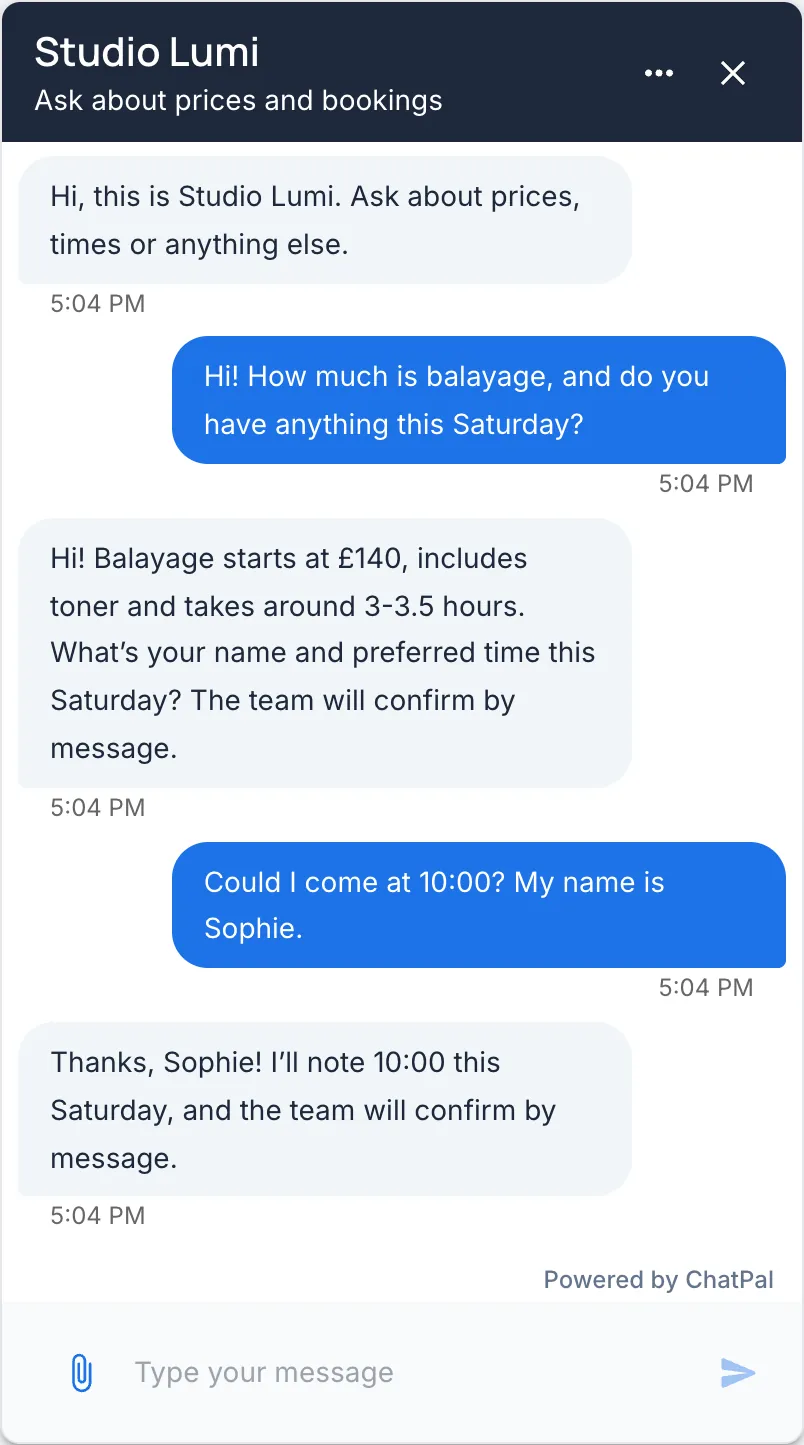
Here is how a handover looks in ChatPal's website chat, in an example conversation for a fictional home cleaning company, with Hand off to a human when needed switched on:
Customer: Do you do move-out cleaning on Saturdays?
Assistant: Yes, we clean on Saturdays from 9 am to 3 pm. Move-out cleaning starts at $180 for a one-bedroom apartment, and the exact price depends on the size of the place.
Customer: Can I talk to someone about a quote for a three-bedroom house?
Assistant: Our team has your message and will reply in this chat. Leave a phone number or email below in case you close the page.
[Card: a form with a Phone or email field, and Send and No thanks buttons]
The form appears because a website visitor often leaves before anyone replies. Everyone on your team gets the hand-off alert by email or Telegram, as each person chose, and what the visitor leaves in the form is saved as a lead. Your reply from the ChatPal inbox appears in the visitor's chat.
Moving from tawk.to to ChatPal
- Export what tawk.to knows. Copy your shortcuts, FAQ answers and knowledge base articles into a document. Those are the answers your team already gives.
- Add knowledge in ChatPal. Upload the document, or add your website's pages as links, and write a short set of instructions about what the assistant should and shouldn't promise.
- Test in the Playground. Ask last month's most common questions. Its replies count toward your monthly messages.
- Turn on handoff. Go to Configuration, open Handoff & leads, and switch on Hand off to a human when needed.
- Swap the widget. Remove tawk.to's code from your site, then in ChatPal open Integrations, then Chat Widget, copy the Installation script from the Embed code tab and paste it before the closing body tag.
- Move your messaging channels. If your WhatsApp number is connected to tawk.to, disconnect it there first, then connect it under Integrations, WhatsApp. You can keep the WhatsApp Business app on your phone.
For a wider list of website chat tools, see the best AI chatbots for websites. If you want AI on a site without paying anything, our guide to a free AI chatbot for your website compares the free plans in more detail, and Tidio alternatives covers the other free live chat with an AI add-on.